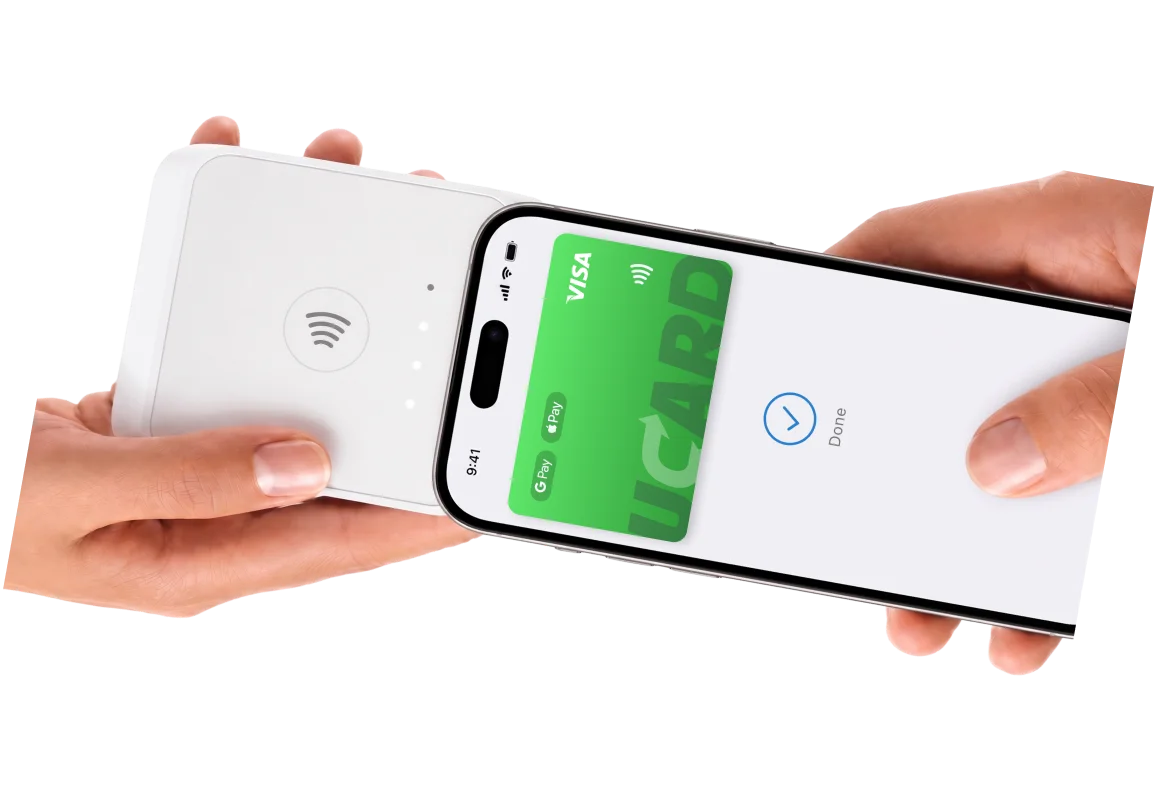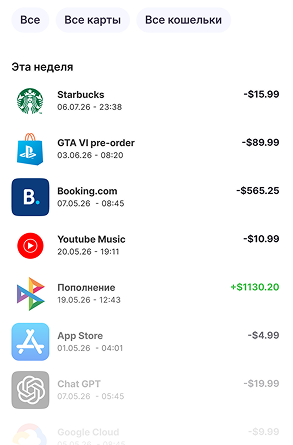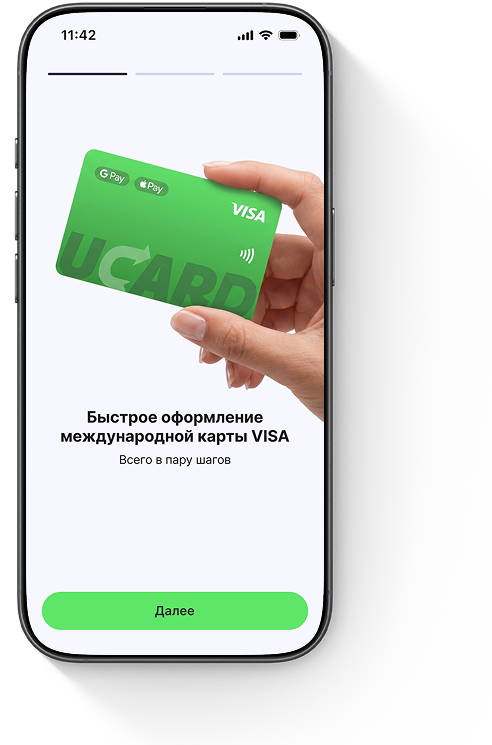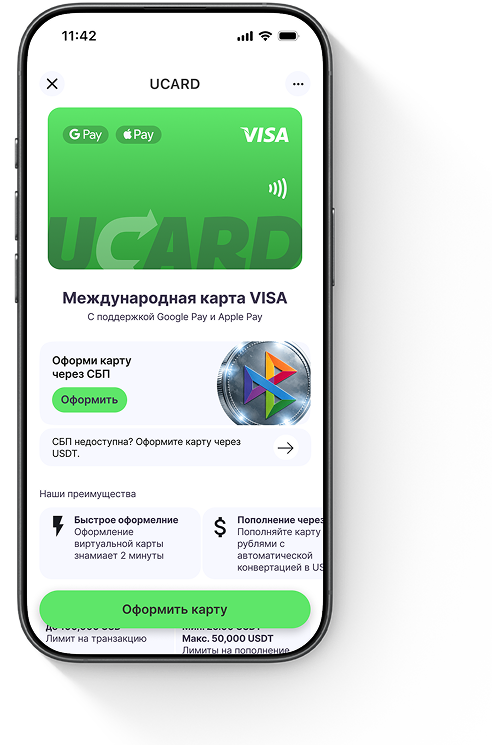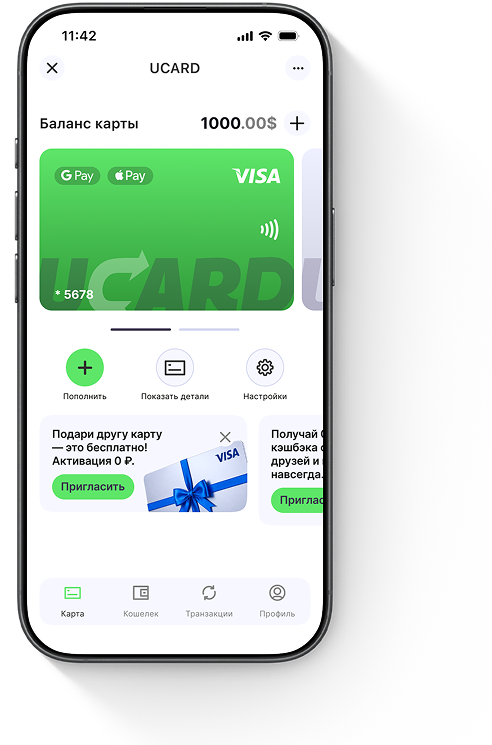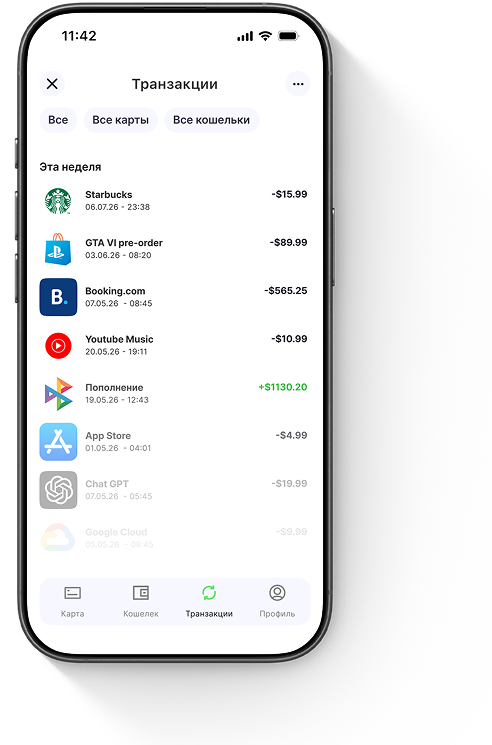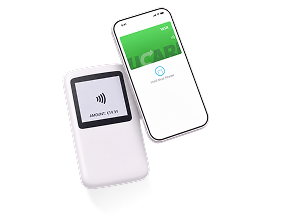








Smartphone with the UCard app

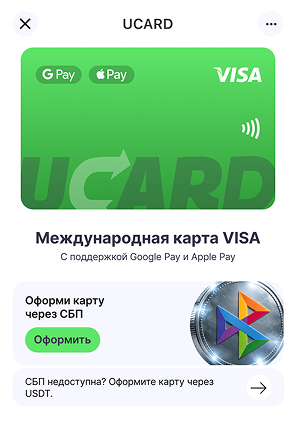
International VISA card with top-up in ₽ via SBPSBP

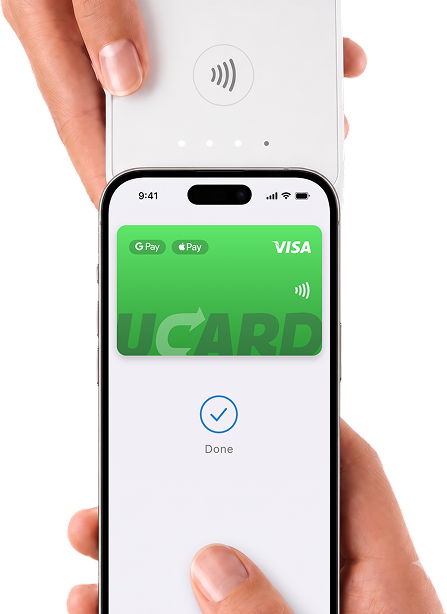
Issued in minutes. Works with Apple Pay, Google Pay, and international services.

Issue card
Official registration
Personal card
VISA
3D Secure
Google Pay
Apple Pay
Alipay
WeChat

How it works

1

Issue a card via SBP

Transfer rubles via SBP — we automatically convert them to USD at the current rate.

Issue card ≈ 3,602₽
USD rate $1 ≈ 84.00₽
2

Link the card to services

App Store, Google Play, ChatGPT, Netflix, Spotify, Claude, and hundreds of other services.

3

Pay anywhere

Add the card to Apple Pay or Google Pay and pay for purchases worldwide.

Google Pay
Apple Pay
Alipay
WeChat

Pricing

Transparent pricing with no hidden fees or monthly charges. All plans include:
Favorable exchange rate One-time fee Higher amount — lower fee Transparent fee

International VISA card

Second card — free
Card issuance Instant
Card currency USD
Transaction fee in USD $0.50
Monthly spending limit up to $500,000
Top-up fee from 2.0% + $3.50
Top-up in rubles via SBP
SBP
Payment for purchases abroad
Linking to Apple Store and Google Play
24/7 support
40 USD ≈ 3,602 ₽
Issue card

Plastic VISA platinum card

Card issuance 5 days
Card currency USD
Transaction fee in USD $0
Monthly spending limit up to $500,000
Top-up fee from 2.0% + $3.50
Top-up in rubles via SBP
SBP
Payment for purchases abroad
Linking to Apple Store and Google Play
24/7 support
Cash up to $10,000 / month
Premium services
eSIM

Compare UCard savings with other providers’ cards

Top up your card at a favorable rate with no hidden fees.

Top-up amount:
USD rate
Credited to card
Fee for 10 purchases
One-time fee on top-up
Hidden fee
Total fee
Card UCard
84.00₽
$108.30
420₽
902₽
0₽
1,322₽

Provider A card

99.12₽
$100.89
248₽
0₽
623₽
1,773₽

Provider B card

90.72₽
$101.19
0₽
820₽
598₽
1,500₽

With UCard you save up to

451₽
Favorable exchange rate One-time fee Higher amount — lower fee Transparent fee
In this calculation, the hidden fee is the difference between USD received at the UCard rate versus another provider’s rate, plus the fixed purchase fee.

Get your card in just a few minutes

Registration takes place via web or Telegram — fast, secure, and without the need to install a separate app.

1 Go to the app Open the app and log in to issue your card.
2 Release the card The card will be issued automatically after payment.
3 Top up the card with rubles via SBP Conversion to USD will happen automatically.
4 Use the card Shopping, travel, subscriptions, and payments worldwide.
3D Secure Safe confirmation of online payments
Reliable protection Your data is transmitted over secure channels

One card for any scenario

From paying for coffee to booking hotels and subscriptions — no limits.

Shops

Pay for purchases with your phone

Shops

Pay for purchases with your phone

Travel

Flights, taxis, hotels, restaurants

Travel

Flights, taxis, hotels, restaurants

Subscriptions

All apps available on your smartphone or online

Subscriptions

All apps available on your smartphone or online

Online

Any foreign websites

Online

Any foreign websites

Find out how much will be credited to your card when topping up in ₽

Larger amount — lower fee 5.2% from 25,000₽
You are topping up the card by
10,000
You will receive on the card
$
USD rate
One-time top up fee
Purchase fee
Favorable USD rate Transparent fee

Top up as easily
as a regular card

Open your bank app, transfer rubles via SBP, and UCard handles the rest.

Automatic conversion ₽ → $

Supported by most Russian banks

T-Bank
Alfa-Bank
Sberbank
VTB

Use the card with Apple Pay, Google Pay, Alipay or WeChat Pay

Google PayApple PayAlipayWeChat Pay

No borders

Works everywhere that accepts VISA

Fast activation

Adding to Apple or Google Wallet takes less than a minute

Pay with your phone

No need to carry a plastic card

Issue card

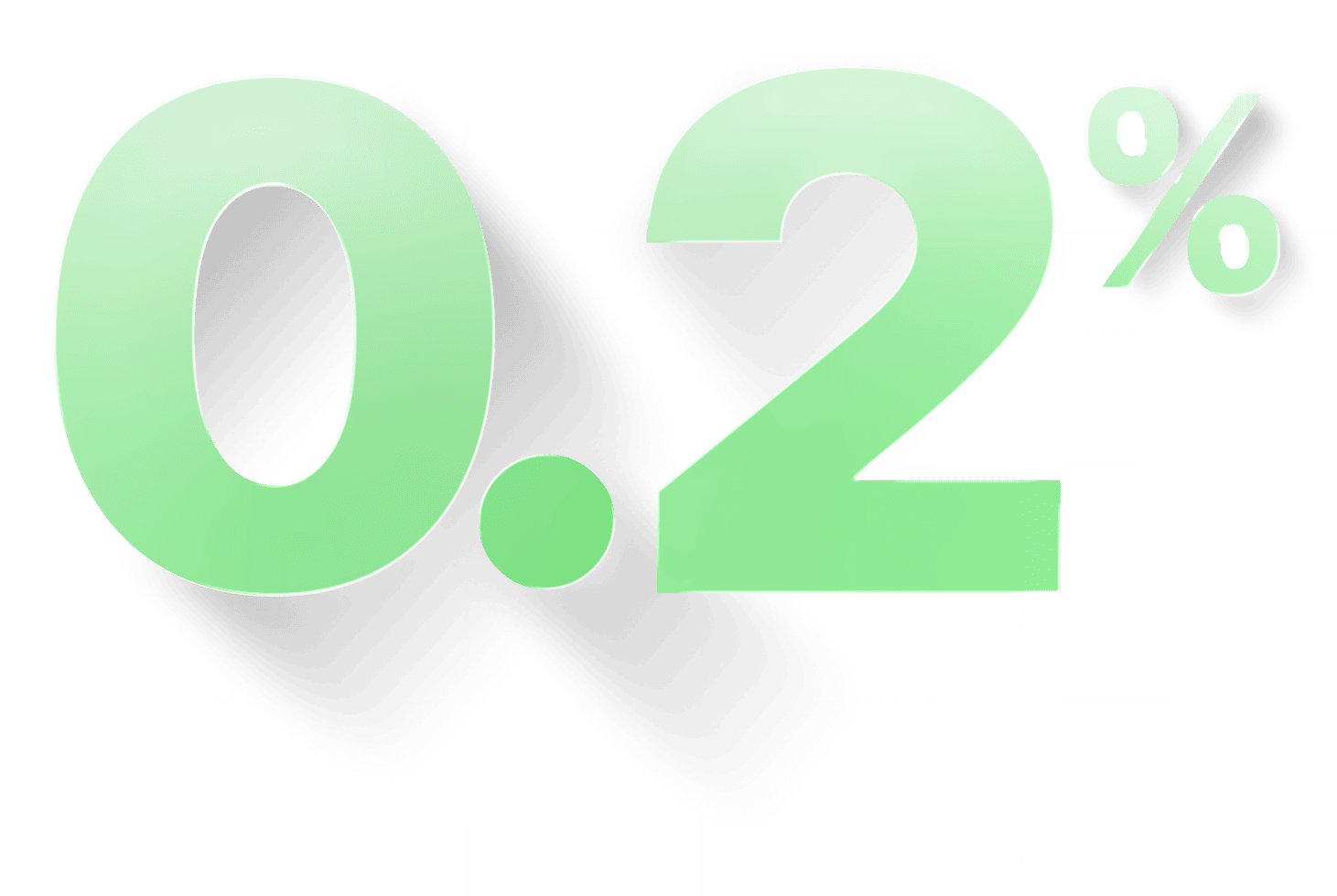
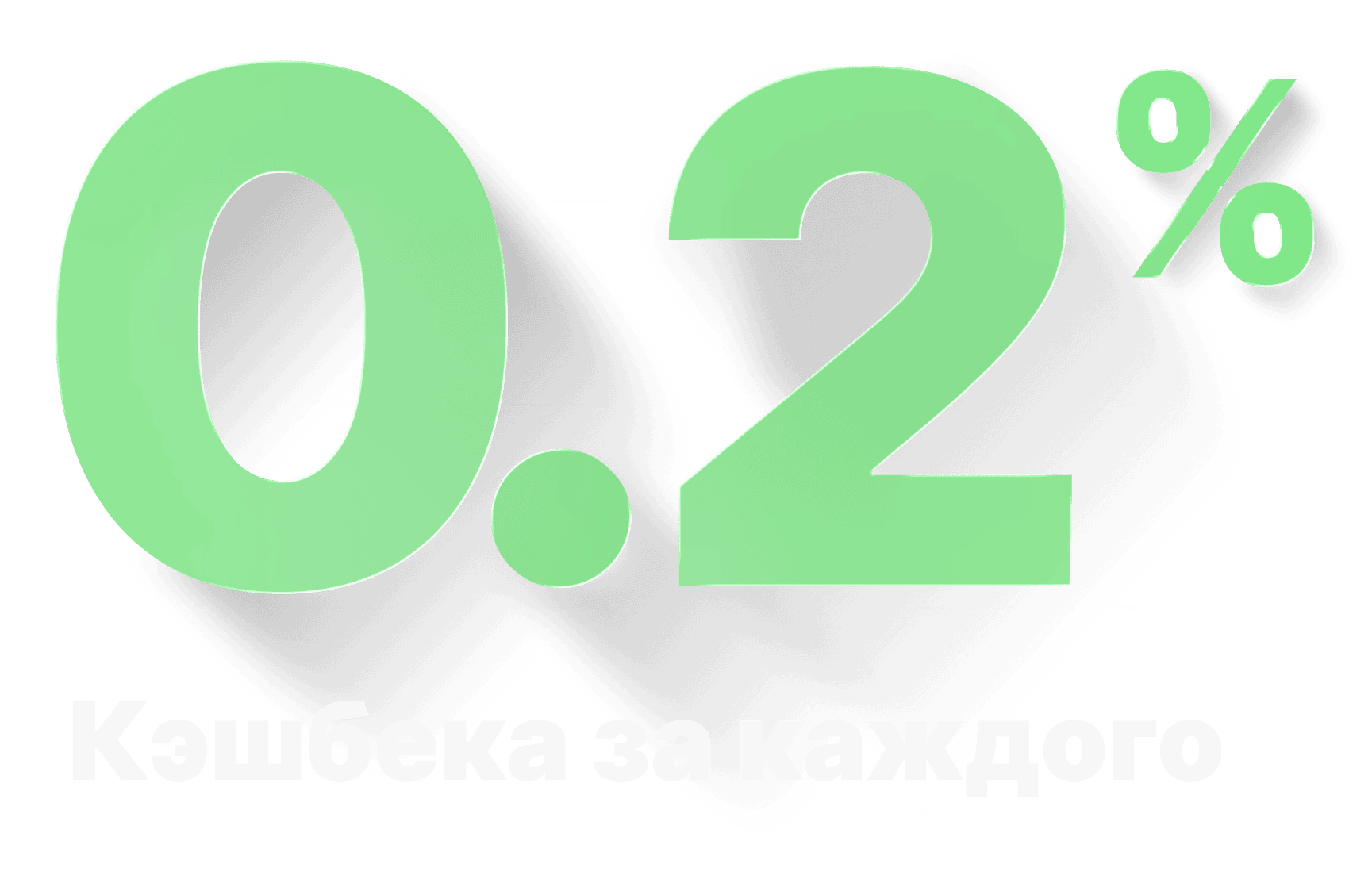
Earn 0.2% of what your friends and clients spend.

Income from invited spending

Weekly payouts

Scalable income

More information about the program

Pricing

Transparent pricing with no hidden fees or monthly charges. All plans include:
Favorable exchange rate One-time fee Higher amount — lower fee Transparent fee

International VISA card

Second card — free
Card issuance Instant
Card currency USD
Transaction fee in USD $0.50
Monthly spending limit up to $500,000
Top-up fee from 2.0% + $3.50
Top-up in rubles via SBP
SBP
Payment for purchases abroad
Linking to Apple Store and Google Play
24/7 support
40 USD ≈ 3,602 ₽
Issue card

Plastic VISA platinum card

Card issuance 5 days
Card currency USD
Transaction fee in USD $0
Monthly spending limit up to $500,000
Top-up fee from 2.0% + $3.50
Top-up in rubles via SBP
SBP
Payment for purchases abroad
Linking to Apple Store and Google Play
24/7 support
Cash up to $10,000 / month
Premium services
eSIM

International Level Security

Owner verification

Before issuing a card, we verify the owner’s identity. This protects users from fraud and meets international banking requirements.

Card management

Freeze and unfreeze your card anytime right from the app.

3D Secure and OTP codes

Confirm important operations with one-time codes.

Reliable protection

Data is transmitted over secure channels and meets modern security requirements.

Answers to Frequently Asked Questions

UCard is an international VISA card topped up in rubles via SBP. You issue the card in Telegram, top up the balance, link it to Apple Pay, Google Pay, and international services, and pay online and offline.
The card is accepted at online services and offline locations that support the VISA payment network. The virtual card is convenient for internet payments and digital wallets; the physical card is for offline payments and ATMs.
It is a virtual and physical VISA card that you can top up using the methods available in the app. After topping up, the card is used for online and offline payments wherever VISA is accepted.
KYC is a standard identity verification process for financial services. It may be required for full feature access, higher limits, and compliance with security requirements.
Fast automatic issuance is usually limited to one active card. The ability to issue multiple cards depends on the service’s current terms.
This usually happens for one of four reasons: incorrect Apple ID region (not United States), insufficient funds for a test authorization, temporary Apple security restrictions, or incomplete 3DS/OTP verification. What to do: 1) Make sure the Apple ID region is set to United States. 2) Check that the card balance is at least $1–$5. 3) Try linking again. 4) If Apple requests a code, open the Telegram bot and enter the OTP/3DS. 5) If it keeps failing, try again in a few hours.
For stable linking and card payments, the United States region is recommended. The card’s payment logic is optimized for this region; with other regions (for example, CIS countries), linking and subscription charges may be declined. What to do: 1) Open Apple ID settings. 2) Go to Country/Region. 3) Set United States. 4) Save changes and then try linking the card again.
A VPN is not strictly required, but it often helps if Apple or Google block requests from your current IP, or if your real region does not match the payment profile. What to do: 1) On a linking error, enable a VPN. 2) Choose a United States server. 3) Try adding the card again.
Yes, this is required. When adding a card, Apple and Google perform a micro-authorization (usually about $0.00–$1.00) to verify the card works. With a zero balance, the bank may decline the check. What to do: 1) Top up the card. 2) Make sure the funds appear on the card balance. 3) Try linking again.
Yes. After successfully linking to Apple ID (usually with the United States region), the card can be used for App Store, iCloud, Apple Music, Apple TV+, and other Apple services. What to do: 1) Add the card in Apple ID Payment & Shipping. 2) Set it as the primary payment method. 3) Confirm transactions via OTP/3DS when asked.
This is a standard test authorization. The amount is temporarily held to verify the card and is usually returned automatically within a few days. What to do: 1) Do not cancel linking because of this charge. 2) If you receive an OTP/3DS, confirm the operation. 3) Wait for the automatic refund.
Most often the cause is incorrect card details, insufficient balance, a payment-profile region mismatch, or incomplete OTP/3DS verification. What to do: 1) Carefully check the card number, expiry, and CVV. 2) Make sure the card has at least a few dollars. 3) If needed, enable a VPN (United States). 4) If Google requests a code, get the OTP from the Telegram bot and complete confirmation.
Yes, the card works for Google One if it is successfully linked in your Google payment profile and has sufficient balance. What to do: 1) Go to one.google.com. 2) In payment methods, select the added card. 3) If 3DS is required, confirm with the code from the Telegram bot.
Main reasons: insufficient balance for the specific amount, blocking by the service’s anti-fraud system, or waiting for OTP/3DS confirmation. What to do: 1) Check the card balance specifically. 2) Check confirmation-code messages in the bot. 3) If there is no code and the balance is sufficient, retry the payment in 15–30 minutes or from another IP.
Confirmation codes are sent to the confirmation channel linked to your card (for example, the official Telegram bot). Before confirming, always check the amount and merchant.
Yes, the card works for most international subscriptions and online services when successfully linked and with sufficient balance.
It is usually better to choose the local currency of the purchase country on the terminal to reduce the risk of extra conversion.
Regular subscriptions are fine. But multiple identical charges in a short period may be treated as suspicious and lead to temporary limits.
Add it the usual way in PayPal’s card-linking section: enter the card details and complete OTP/3DS confirmation if requested.
Top-up is done in the app’s top-up section using the available details and service instructions. After funds are credited, you transfer the amount to the card balance.
Usually from 15 minutes to 24 hours. Timing depends on AML processing of the transfer and the bank’s settlement speed.
Direct withdrawal from the card balance to external details or another card may be unavailable. The card balance is usually used for purchases and, for a physical card, for cash withdrawal at supported ATMs.
A virtual card is mainly for online purchases and subscriptions. A physical card is suitable for offline payments and cash withdrawal at supported ATMs.
The PIN is set and changed in the card management section of the app. Use only secure combinations and never share the PIN with anyone.
Cash withdrawal is usually available for physical cards at supported ATMs. Limits depend on the plan, card type, and the issuer’s current rules.
Immediately block the card in the app to prevent unauthorized transactions, and reissue it if needed.
Fund safety is a service priority: operations go through security checks, and access to critical actions is protected. Do not share confirmation codes or access credentials with anyone.
AML is a mandatory check of the origin of funds and operations. Fraud, money laundering, financing of prohibited organizations, and other illegal activity are forbidden. Violations may result in the card being blocked.
You invite users with a personal link and receive a reward under the current partner program terms.
The service follows transparent terms: current fees and limits are published in the plans. Always check the current terms in the app or bot before operations.